Working environment for real files

One tool. All files.

Notes, PDFs, documents, spreadsheets and presentations — created, edited and kept together. Import the files you already have and carry on working.

Client work / Q3
DOCX
XLSX
PPTX
PDF
synced
Client work / Q3NewImport
NAMEREVISIONSTATE
DIRContractsSynced
DOCXreview-notes.docxr7Synced
XLSXq3-figures.xlsxr12Shared with 2
PPTXboard-deck.pptxr4Offline edit
PDFclient-agreement.pdfr3Synced
MDmeeting-log.mdr9Local only
Create
New notes, documents, workbooks and decks from one place.
Edit
Real editing surfaces per file type, not a read-only preview.
Import
Existing folders and files arrive in their own formats.
Keep together
One tree, one sync state, one application.
One environment

The workspace changes with the work, not the tool.

Eiswe is not a viewer. Each file type gets a real editing surface — with its own tools, panels and shortcuts — inside the same window, the same file tree and the same sync state.

Files01

One tree for everything: folders, revisions, sync state and sharing state visible on the file itself.

RevisionsSyncTrash
Notes02

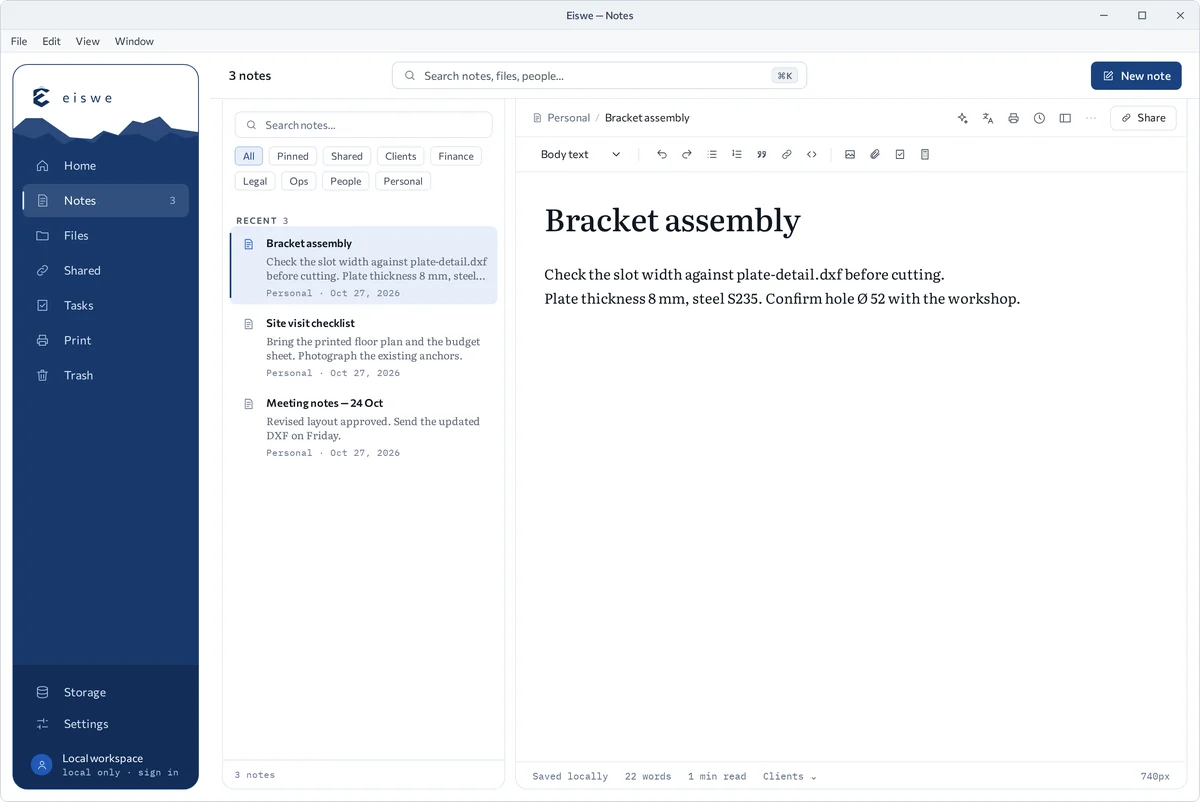
Eiswe's own native surface. Short-form notes and attachments stored beside the work they describe.

AttachmentsLinksSearch
Documents03

Styles, sections and comments, saved back as .docx — with links to the workbooks and decks the text refers to.

StylesReviewExport
Spreadsheets04

Formulas across sheets and workbooks, with references that survive import from existing files.

FormulasRangesCSV
Presentations05

Slides and layouts opened as they are: edit the content, reorder slides, then present, print or export.

SlidesLayoutsPresent
PDF06

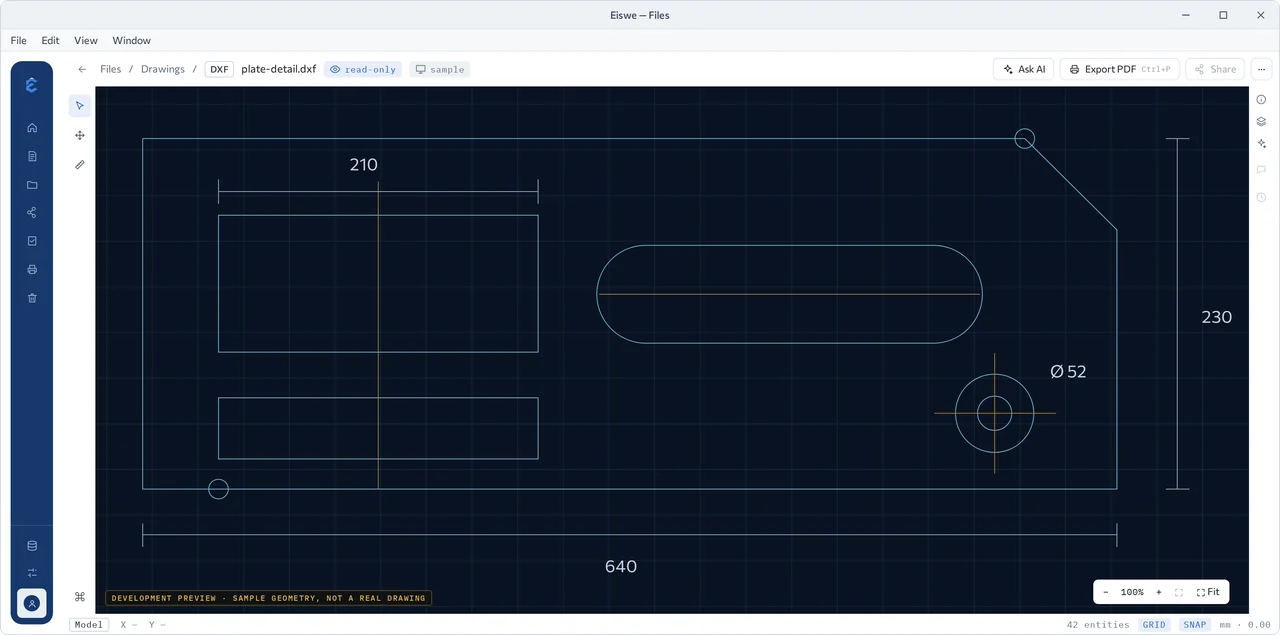
Annotate, fill, reorder pages and export. Review threads live next to the page, not in a separate app.

MarkupFormsPages
Existing work

Bring what you already have. Keep working.

Years of files should not be the price of changing tools. Point Eiswe at a folder, a drive or a single attachment — the work arrives in its own format and opens in the surface built for it.

STEP 01
What you have now
Files scattered across drives, mail attachments, shared folders and three or four applications.
report.docxfigures.xlsxagreement.pdfdeck.pptxnotes.txtscan.jpg
STEP 02
Import
Add a folder, a drive or a single file. Structure and names are preserved; nothing is flattened into a proprietary blob.
FolderDriveAttachmentDrag & drop
STEP 03
One workspace
Everything appears in one tree with its original format, opened by the surface built for that kind of work.
Eiswe workspace
STEP 04
Continue working
Pick up mid-task: edit, organize, share and sync — and export back to the same formats at any point.
EditOrganizeShareSyncExport
Along the wayImportOpenConvertOrganizeShareSync
Format support · interactive

Many formats. One structure.

Select a file type to see how Eiswe works with it.

Full format support →
PNGPDFTXTSVGJPGDOCXMDODTXLSXCSVPPTX
Editable now Readable Importable Broader compatibility
PDF
Editable nowFixed-layout document
Open PDFs directly: annotate, fill forms, reorder pages, print and export while the page structure stays intact.
What a team needs to know before adopting it

Own your work.

Eiswe is built around the files you already use. Your work does not become dependent on Eiswe just because you work in Eiswe.

Notes, documents, spreadsheets, presentations, PDFs and plain text come in as themselves and leave as themselves. Folder structure and file names are preserved on the way in, and any file — or the whole tree — can be exported at any point.

Your files todayBEFORE
report.docx
figures.xlsx
agreement.pdf
board-deck.pptx
notes.txt
In EisweWORKING
report.docx
figures.xlsx
agreement.pdf
board-deck.pptx
notes.txt
Exported againAFTER
report.docx
figures.xlsx
agreement.pdf
board-deck.pptx
notes.txt
STANDARD FORMATS IN · STANDARD FORMATS OUT
Nothing is flattened into a proprietary container, so leaving is a copy operation rather than a rescue project.
Import
Folders, drives, attachments and single files — names and structure kept as they are.
Save
Work is written back to the original format, not to a converted copy alongside it.
Export
One file or the entire workspace tree, on demand, without an account requirement.

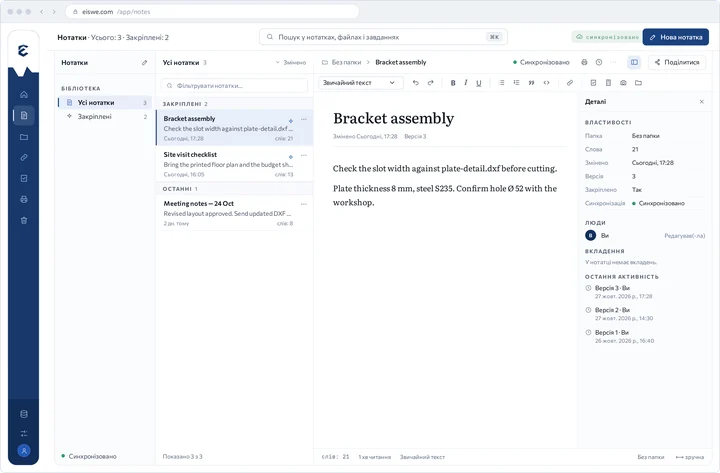
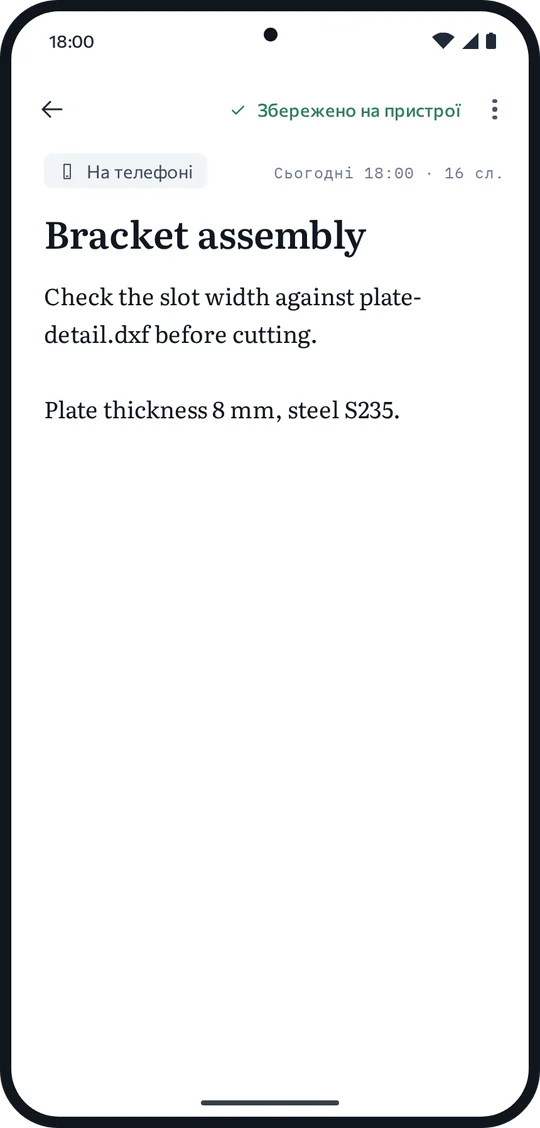
One workspace, three real places to work in it.

Not a platform list, and not three copies of one interface. The same files, revisions and sharing model, with the interaction depth each device is actually good at.

Desktop01
The deepest workspace
The fullest editing environment: local files, offline work, long documents and large workbooks at full speed.
Web02
The same workspace, no install
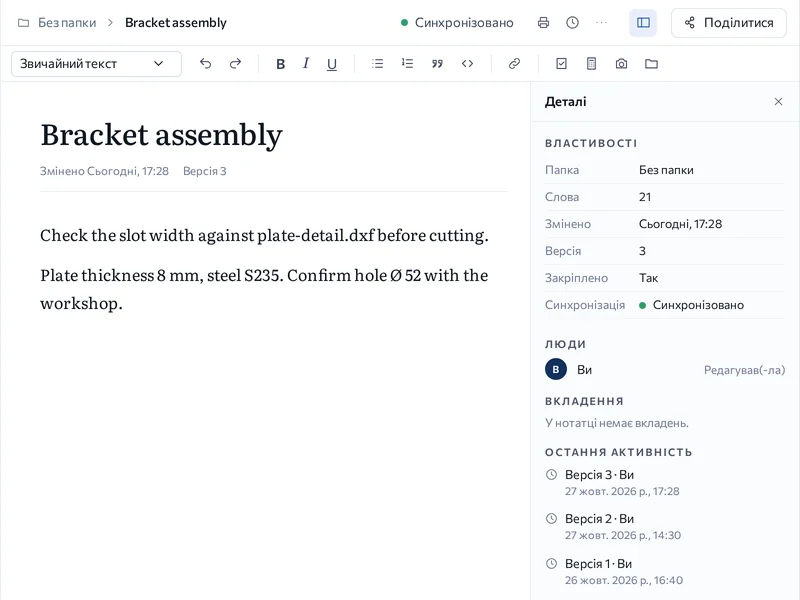
A real Eiswe workspace in the browser — open, edit, share and export. Not a viewer, and nothing to install.
Android03
A real mobile workspace
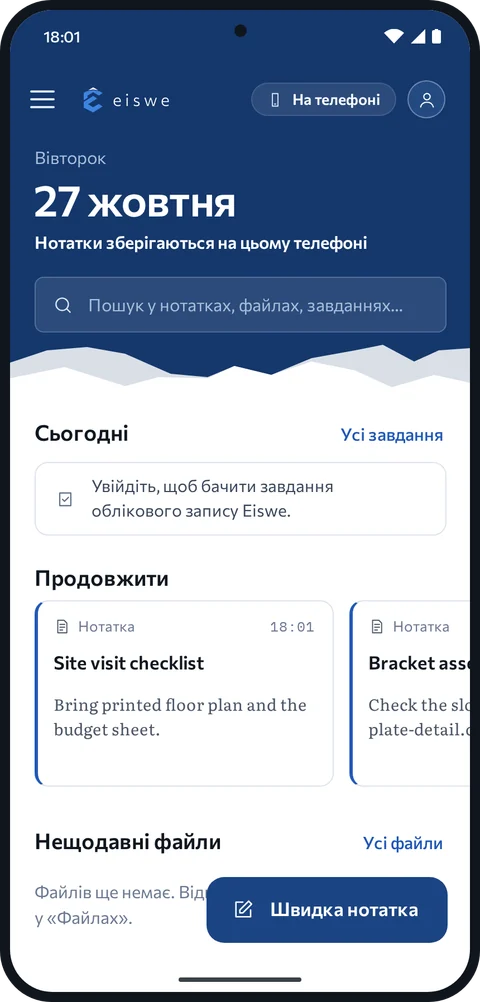
Notes, files and editing on the phone, plus capture and import, offline projects and sharing from wherever you are.
client-agreement.pdfrev C3 open commentslast edit 14:06 · desktopsynced
Product depth

Designed for what happens after the demo.

Opening a file is the easy part. The work starts at page 40 of a contract, at a workbook with twelve linked sheets, at the version someone edited on a train with no signal.

PDF that behaves like PDF
Page order, form fields, signatures and comment threads survive the round trip.
Presentations kept intact
Slides, layouts and speaker content survive the round trip back to .pptx.
Printing that matches the page
Page setup for documents, workbooks, decks and PDFs, with predictable output.
Revisions you can read
Named revisions per file, openable side by side, exportable on their own.
Offline as a normal state
Keep editing without a connection; changes sync explicitly when you return.
REVISION HISTORY — board-deck.pptx7 revisions
r7Results slide updated to final figurestoday 14:06
r6Layout corrected on slides 4–6today 11:20
r5Slide 3 added — quarterly summaryMon 17:44
r4Imported from board-deck-draft.pptxMon 09:12
Any revision can be opened, compared or exported as its own file.
OFFLINE EDITS · SYNCING
client-agreement.pdfapplied
meeting-log.mdapplied
q3-figures.xlsxconflict
Conflicts are shown as two real versions to choose between — never merged silently, never discarded.

Adoption without the cliff.

No migration event, no company-wide switch-over weekend. Bring one project across, keep your current tools installed, and decide on the basis of real work.

STEP 01
One project
Import a single live project — its folders, documents and notes as they are.
NO WORKSPACE REBUILD
STEP 02
In parallel
Keep the existing tools installed. Files stay in formats both sides can open.
NOTHING UNINSTALLED
STEP 03
On real work
Judge it on a deadline, not a sandbox: edits, print output, review and handover.
REAL DELIVERABLES
STEP 04
Expand or stop
Add the next team if it holds up. If it does not, export and walk away intact.
REVERSIBLE AT ANY STEP

Every step is reversible. If Eiswe is not the right fit, export the project and continue where you left off — in the same formats you started with.

Control over your work.

Files live where you put them. Editing happens locally, syncing is something you switch on, and sharing is a deliberate act with a scope you set and can withdraw.

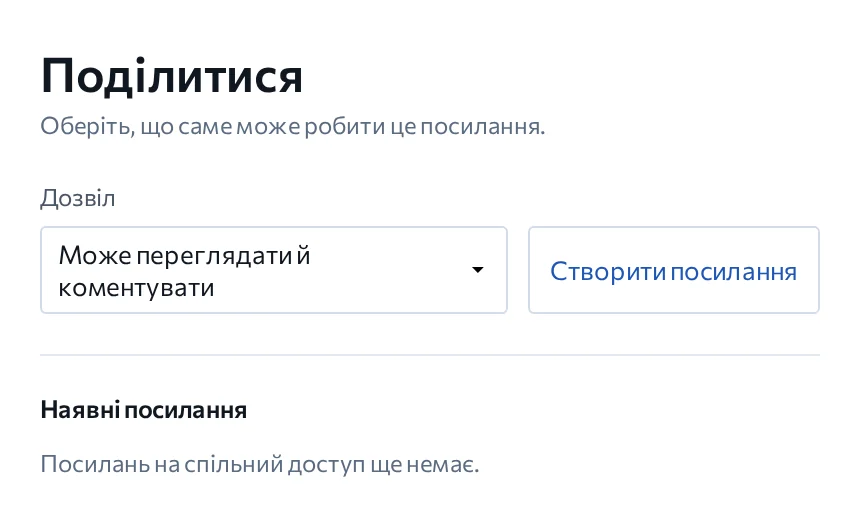
Every file carries its own state, visible in the workspace rather than buried in settings. That state is the honest answer to "where is this file, and who can see it?"

WORKSPACE · CLIENT WORKFILE STATE
PPTXboard-deck.pptxLocal only
PDFclient-agreement.pdfSynced
XLSXq3-figures.xlsxShared with 2
DOCXreview-notes.docxAccess revoked
MDmeeting-log.mdLocal only
Sharing can be revoked per file. Revoked access ends at the next request — no copy is left behind in the workspace it was shared into.

One tool. All files.

Windows · Linux · Web · Android